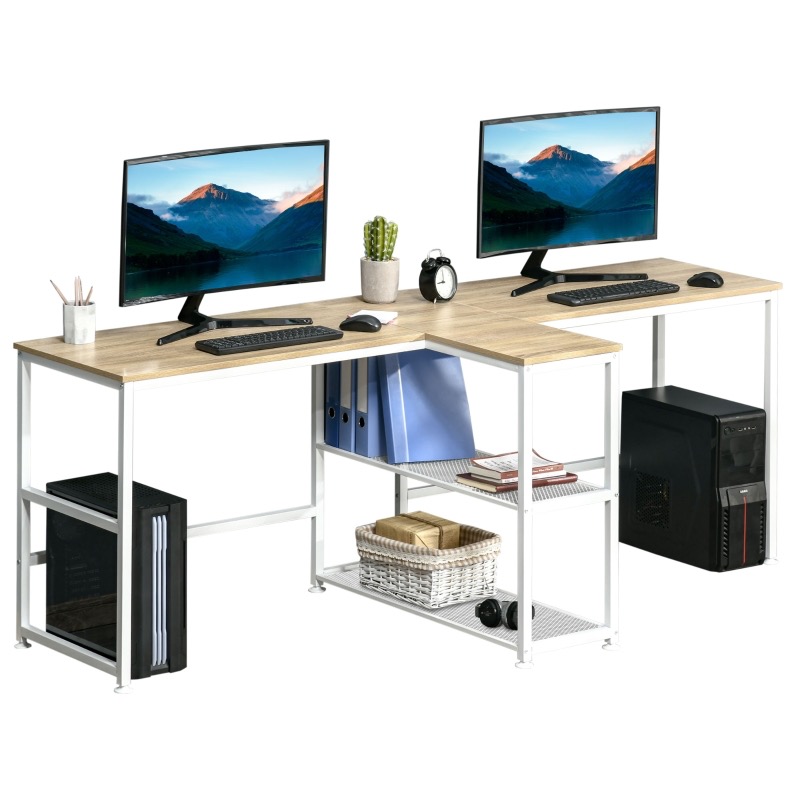


A standing desk provides a work surface that can be used while standing. Some are fixed at one height; others move between seated and standing positions. A desktop converter sits on an existing desk and raises part of the setup. These are different arrangements, so compare the complete workstation rather than the product name.
Compare the three layouts
| Type | What changes | What to check |
|---|---|---|
| Fixed-height standing desk | The normal working position | Whether separate seated work is needed and how the height suits the user |
| Full adjustable desk | The whole desktop moves | Usable height range, rated load, stability, and clear travel |
| Desktop converter | Equipment rises above an existing surface | Remaining desk area, keyboard position, base fit, and added height when lowered |
Make a list of everything the surface must hold, including monitor arms, a laptop, speakers, and paperwork. Confirm the manufacturer’s load limit and whether it includes the desktop itself. A motor’s advertised capacity does not establish that an improvised top or accessory is suitable.
Try the setup in both positions
The OSHA workstation evaluation checklist emphasizes adjustability, supported working positions, and opportunities to vary posture. It advises avoiding prolonged sitting or standing. A standing desk is therefore an option for changing position, not a promise of weight loss, pain relief, or a productivity gain.
Try the keyboard, mouse, and monitor together. Check that the desk’s lowest setting works with the chair you actually use; the highest setting alone is not a useful fit test. Seek an individual workstation assessment if a setup remains uncomfortable.
Plan the moving area
Check above and below the desktop for shelves, window handles, drawers, and other furniture. Route cables with enough travel for the full approved range, following the equipment instructions. Verify that a monitor arm does not hit a wall when the desk rises.
Keep the movement path clear, including children and pets. Assemble and operate the desk as instructed, and do not rely on an advertised collision feature as permission to leave obstacles in its path. For a wider desk-layout check, see our office table planning guide.
Illustrations